How Solo Tax Practitioners Survive Busy Season Without Hiring
Automating intake and verifying AI research frees hours for judgment.

Solo tax practitioners and enrolled agents can take on more busy-season work without hiring if they automate intake, document collection, data entry, and preliminary compliance checks. The capacity gain comes from removing procedural work. Research tools can extend that gain when their sources are accessible for verification, leaving the practitioner’s limited hours for technical review, defensible advice, and complex planning.
Why busy season breaks solo practices structurally, not just personally
Solo practices must earn much of their annual revenue in a narrow window, while the work required for each return is becoming more demanding. Multi-state issues, digital-asset reporting, and expanded IRS scrutiny raise the expertise required across the client base. Volume alone does not explain the pressure. Even an unchanged client roster can demand more skilled time when the underlying tax questions become harder.
Hiring does little to help when skilled tax staff are hard to find, especially once the season is underway. That leaves the solo practitioner with a fixed supply of hours and a minimum level of technical attention each return requires. An 80-hour week becomes a response to the structure of the practice. Yet working longer hours cannot keep pace as the work grows more complex. Without a realistic path to adding headcount, the viable lever is making each practitioner-hour go further.
Where the hours actually go — intake and document collection as the hidden tax on practitioner time
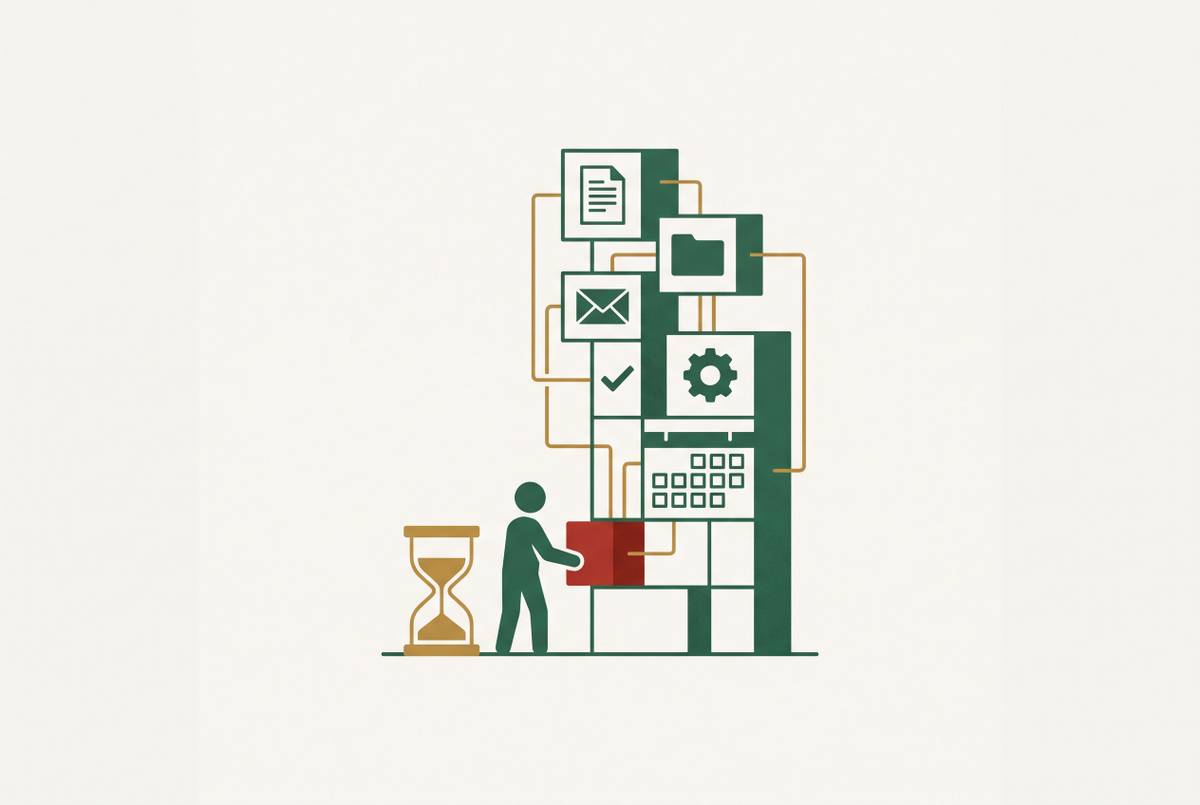
The administrative work that takes the most time begins before tax preparation starts. Document requests must be created, responses chased, files sorted and renamed, and workpapers assembled. Each task follows a set process, but together they take a lot of time for each client. Across a full roster in a twelve-week window, that loop takes a large share of the hours available for the season.
To prepare a return, the practitioner needs the right material in a form they can use. A CPA or enrolled agent performs the collection work because no system exists to move it forward without them. Sending a reminder takes time from the same working day as working through a difficult tax position, even though it calls for none of the same expertise.
That distinction makes intake the first target for automation, ahead of preparation itself. The practitioner’s involvement in a technical conclusion cannot simply disappear, but their involvement in routing a file or sending a routine follow-up can. An automated system that takes over this loop therefore recovers time without asking the practitioner to surrender tax judgment. Those hours can go directly to billable analysis and review.
What a modern automated intake workflow actually does, step by step
A well-designed intake workflow starts with prior-year data. The system generates personalized document requests and sends them in bulk at the start of the season. Clients then receive a tailored, mobile-friendly questionnaire. This reduces confusion and incomplete responses. The automation replaces manual list-building as well as some of the back-and-forth that otherwise follows it.
As documents arrive, the system routes, sorts, and renames them into the correct folders. Workpapers compile from the organized material, so preparation begins with labeled documents. This is more than an automated reminder service. The gain comes from removing the practitioner from the routine collection loop through workpaper assembly.
Thomson Reuters’ acquisition of SafeSend illustrates investment in the broader workflow, including return assembly, review, taxpayer e-signature, and delivery. That scope is relevant because efficiency can be lost between otherwise useful tools. For a practitioner evaluating intake software, the lesson is to identify the step that consumes the most time and establish whether the product removes it. Setup and review time belong in that calculation.
How AI tax research changes the time cost of answering a complex question
The practitioner identifies relevant IRC sections, locates regulations, finds supporting rulings or cases, and synthesizes the authorities around the client’s facts. A single issue can consume hours. AI research tools shorten the path to a first-pass analysis by accepting a natural-language question and organizing an answer around relevant authorities.
The decisive feature is access to those authorities. A citation is useful only if the practitioner can open the source and read the passage supporting the conclusion. An answer without accessible sources still requires independent verification before use in practice. Research automation therefore removes some of the search and synthesis work while preserving the practitioner’s responsibility to establish what the law supports.
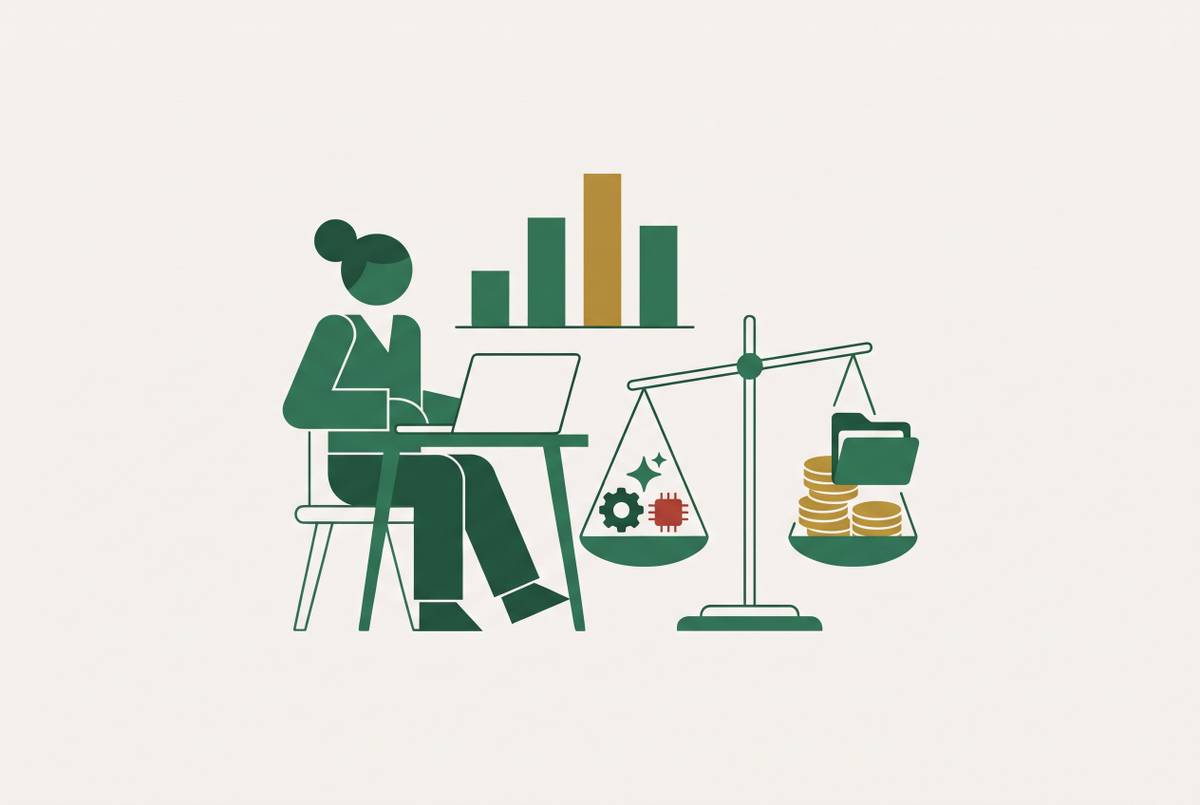
For federal and SALT work, platforms that include all states plus DC, with forms, instructions, publications, and administrative rulings, can support cross-jurisdiction research without switching tools. CoCounsel Tax is relevant where authoritative research and Thomson Reuters Checkpoint content are central requirements. The practical comparison is the complete time from question to usable explanation, including opening sources, asking follow-up questions, and correcting gaps.
Where AI genuinely accelerates return preparation and where it cannot substitute for judgment
AI helps most with the preparation work that surrounds the technical decisions. Extraction from W-2s, 1099s, brokerage statements, and K-1s reduces manual data entry, allowing the practitioner to review mapped data. Variance detection then checks information from the current year against prior-year returns. A sudden drop in rental income or an unusually high deduction ratio becomes a flag for review rather than a change the preparer must first notice unaided.
A flagged difference does not establish that a return is wrong, just as an absence of flags does not establish that it is right. AI-generated planning suggestions also give the practitioner a place to start their analysis, but they must check every cited authority. The practitioner must decide what the evidence means for the client’s return.
Partnerships, S corporations, trusts, and interrelated K-1 schedules can require basis calculations, at-risk limitations, passive activity rules, and allocation methodologies that AI handles inconsistently. Errors in these areas can produce material misstatements. Automation handles intake, population, and preliminary comparisons, while the practitioner reviews AI-generated calculations, verifies the supporting law, and signs as the accountable professional.
The professional-responsibility framework that governs AI use in tax practice
Circular 230 Section 10.22 requires due diligence in preparing and filing returns and in advice, while Section 10.34 sets standards for return positions and advice. Neither obligation transfers to the software that generated an answer. The practitioner remains responsible for the work signed. AI involvement is not a defense for an inaccurate return.
The strongest professional objection is that fluent output can create a false sense that review has already occurred. Major language models can generate incorrect tax citations, fabricate IRC sections, and misstate regulations with apparent confidence. Relying on it without opening the primary sources creates professional risk, including potential penalties or a malpractice claim.
Practitioners should use the technology with disciplined delegation. A practitioner should treat AI output as a first draft, applying the verification habits used for an associate’s work. That requirement does not erase the efficiency gain when the system has already organized documents, mapped data, or located relevant authorities. It does change how the gain must be measured. The useful tool reduces total work through completion of professional review, rather than producing more output for the practitioner to correct.
Data security obligations that apply before any AI tool handles client return information
The FTC Safeguards Rule classifies professional tax preparers as financial institutions required to maintain a written information security plan and oversee service providers. The duty to protect client information therefore remains with the practitioner, even when a vendor processes the data. Security review is a compliance requirement. It must precede production use of an AI tool.
For vendor vetting, a SOC 2 Type II badge is not enough. The practitioner should read the report itself to check its scope, the period it covers, and any exceptions. The attestation is voluntary. Its value lies in the evidence it provides for oversight, rather than in a claim that it settles every security question.
The remaining questions require written answers as well. The contract should state whether client data is used to train models, while the vendor should specify encryption in transit and at rest, retention, deletion, and export terms. The full subprocessor list should name the model providers that have access to the data. The practitioner also needs to check access controls, audit logging, and breach-notification terms that set out response hours.
For queries involving client facts, stripping identifiers or using a platform contractually committed not to train on firm inputs can reduce 7216 exposure. A tool that cannot answer these security and data-handling questions in writing is not ready for production use in a tax practice.
Which AI tools help a solo tax practice grow without hiring
The right category depends on where the practitioner loses time. Tools for intake and document collection automation, citation-backed research, return preparation and variance review, and all-in-one practice management each help with a different part of the work. They are not interchangeable. A practice that spends too much time chasing documents needs collection automation before a research assistant, however good the research product may be.
For intake, the useful comparison is how much of the collection loop the product removes. For preparation, it is the reduction in manual entry and the usefulness of preliminary variance flags after review. Research tools need a different test, including readable sources, coverage of the practice’s jurisdictions and tax types, and output that can be edited and retained as a work product memo. Many solo practices will need a tool from each category rather than one product expected to perform every role.
All-in-one practice management platforms address another cost, which is coordination. Consolidating communication, document storage, reminders, e-signatures, workflow tracking, and billing on a single client record reduces the work of keeping separate systems aligned. That is distinct from producing a technically sound tax answer. It can nevertheless free substantial practitioner attention during busy season.
Generic AI features should be judged against software built for tax work. That software has an edge because it fits the tax document types, return forms, compliance checkpoints, and professional-responsibility requirements of the work. Buyers should therefore ask whether the product removes a specific bottleneck within those constraints. A feature count cannot answer it, and neither can a demonstration that excludes setup, verification, or correction time.
The emerging service gap — what solo practitioners can offer when routine work is off their desk
Recovered capacity has a use beyond completing more returns. Once collection and preliminary checks no longer occupy the same share of the day, the practitioner can devote more attention to whether an answer is correct, defensible, and optimal for the client’s facts. AI can draft that analysis but cannot certify it. The professional contribution lies in evaluating the conclusion and accepting responsibility for the resulting work.
This distinction is becoming clearer as routine compliance is automated from both directions. Practitioners are automating their workflows, while clients are bringing in returns they prepared with general AI tools. Those client-generated returns create an opportunity for a defined review engagement. A CPA can check the facts, test positions against current law, find deductions the model missed or wrongly claimed, and take professional responsibility for the review.
The shift toward advisory work follows from removing the procedural work that currently crowds it out. Complex planning and review require attention that cannot be recovered merely by accelerating data entry while leaving the rest of the workflow untouched. Systematic automation makes room for that attention. The solo practitioner who makes this transition is positioned to charge for scarce expertise rather than spend the season performing work a client’s own AI can approximate.