Best Tax Software Stacks for One-Person Enrolled Agent Practices
A solo EA's four-layer software stack frees time for advisory work.

A one-person enrolled agent practice can grow without hiring by combining software for preparation, research, intake, and review and document management. The best stack automates repeatable work while leaving tax judgment with the practitioner. That division frees time for planning and advisory services, where growth depends on the value of the advice.
Why a solo enrolled agent's compliance revenue hits a ceiling — and what breaks it
A single preparer can process only so many returns between January and April. The constraint is the practitioner's available hours. Each additional compliance engagement brings document collection, data entry, research, review, and filing work that competes for the same practitioner's attention. More clients therefore do not automatically produce a stronger practice, particularly when servicing them consumes the time that could support higher-value work.
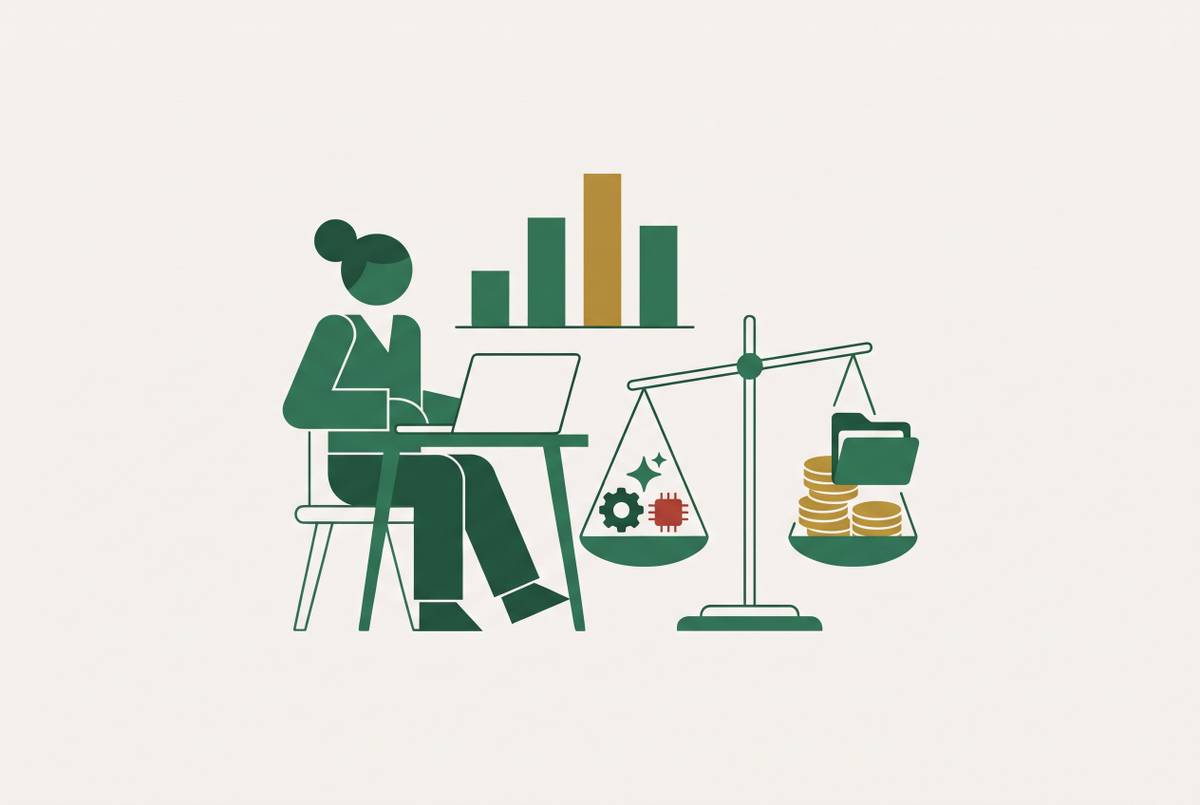
Advisory work changes that revenue equation. Tax planning, entity structuring, and proactive strategy let an EA serve the same client base at higher value, with growth tied to positioning. The obstacle is finding room for that work without weakening compliance quality. Platforms vary in how well they handle preparation, research, intake, and document management, so removing the obstacle requires a coordinated stack.
How to think about a stack in functional layers before choosing any single tool
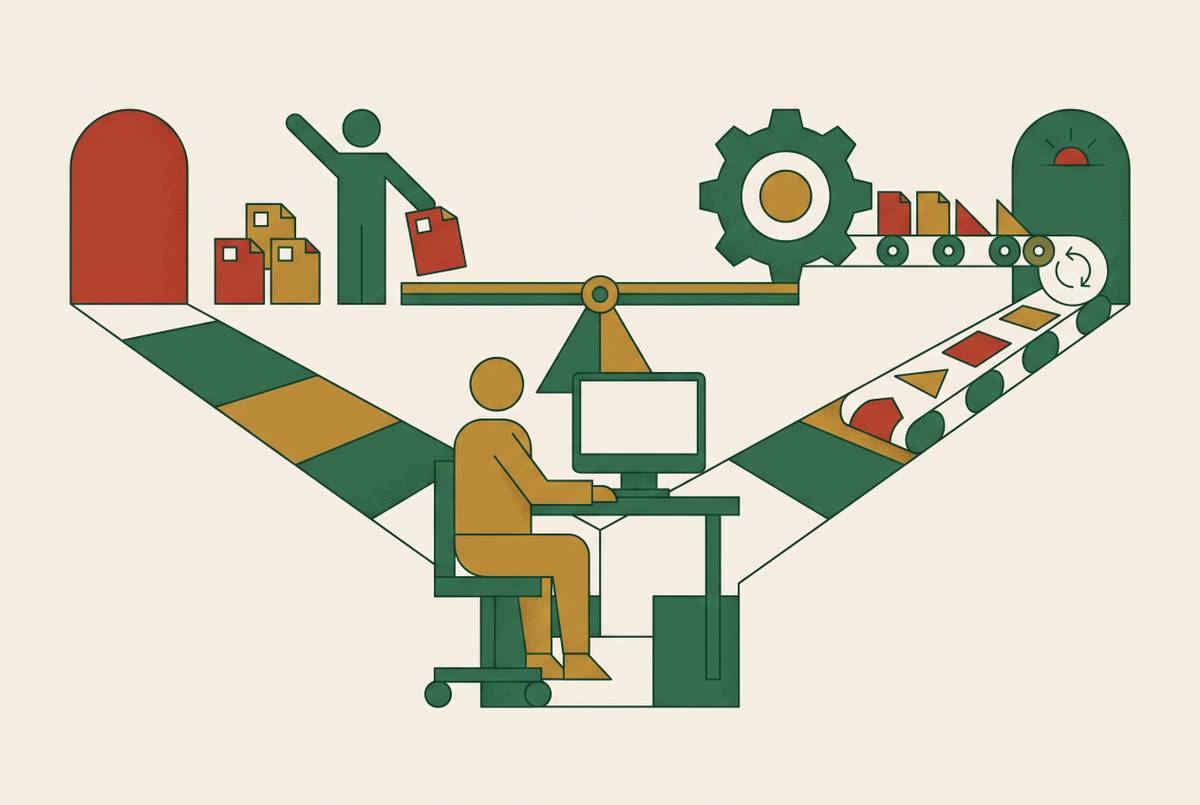
The four layers have distinct jobs, even when one product spans more than one. Preparation reads source documents, puts the data into form fields, and creates a draft return for the practitioner to review. Research answers tax-law questions with citations to primary authority. Intake and document collection send requests and route uploads automatically so the engagement moves closer to being ready for a return. Review and document management catch errors, flag risk, and keep the client's file in order from start to finish.
A preparation tool cannot compensate for incomplete intake, and a polished draft does not establish that a legal position has support. Even when research is fast, the return still needs final review. The useful unit of evaluation is the workflow. A tool earns its place when it reduces the total work required to move an engagement through that workflow, including the practitioner's review.
For a solo EA, the buying question is therefore narrower than which company offers the most AI features. It is which repeatable task consumes the most time, and whether a specific tool reduces that burden after review is included. Clear pricing and a quick setup should count heavily in the choice. Enterprise integrations and firm-wide user management may be less useful than a direct connection to the preparation software already in use.
The tax preparation layer — what draft-return automation actually does for a one-person shop
The technology reads W-2s, 1099s, K-1s, and brokerage statements through OCR or direct extraction, then maps the extracted information to form fields. Interview-style workflows and real-time diagnostics help identify gaps as preparation proceeds. The resulting draft still requires professional scrutiny, but reviewing it is a materially different and faster task than entering every item manually.
Integration determines how much of that advantage survives in practice. SurePrep's official FAQ states that 1040SCAN PRO and 1040SCANverify integrate with CCH Axcess Tax, GoSystem Tax RS, Lacerte, and UltraTax CS. For an EA using one of those systems, that connection is a concrete evaluation point. The relevant comparison is with the practitioner's current document-to-return process. Exporting, uploading, and re-entering information can absorb the time that extraction was supposed to save.
Drake Tax also has real-time diagnostics in its preparation layer. Its engine surfaces errors, missed deductions, and compliance issues across the return, while scenario comparison supports refund maximization analysis. Preparation and review can therefore share an environment. That overlap shows why the preparation purchase should account for the final review required downstream, once the draft is ready for quality control.
The research layer — why citation-linked tools are non-negotiable for defensible positions
Preparation automation handles information supplied by the client. Research must establish how the law applies to it. The dividing line is whether a tool connects its answer to the IRC, Treasury Regulations, IRS rulings, and actual court decisions. General AI tools such as ChatGPT were not specifically trained on tax law and can cite authorities that do not exist. A confident answer without a verifiable source trail leaves the signing practitioner with the professional risk.
The same AI model produced materially different results with and without citation-linked tools on questions involving legislative changes to tax law, the 2026 Form 1099 threshold, and the bonus depreciation rate. These examples make source access a substantive requirement.
The professional rule is to use AI for speed and first drafts, use a citation-linked authority database for anything signed, and verify every citation before relying on it. Circular 230 Section 10.22 requires practitioners to determine the correctness of the positions they recommend, regardless of who or what produced the research. Tools that expose their reasoning and primary authorities make that examination easier. A source trail gives the EA something to test.
A practitioner who can resolve a complex SALT nexus or §199A planning question promptly, with citable authority, can offer that work. Workflow access strengthens that benefit. CPA Pilot's native integrations with UltraTax CS, CCH Axcess, and Drake Tax reduce the context switching involved in moving between preparation and research.
The intake layer — automating document collection before the return work begins
Research may call for close thought, but following up with clients takes time before technical work even starts. Chasing missing W-2s, matching uploads to engagements, and pursuing incomplete organizers creates non-billable work across the client roster. Each unresolved request delays preparation. For a solo practice, intake automation can therefore produce an immediate throughput benefit without changing how the EA interprets tax law or reviews a return.
A generic 40-page questionnaire can complicate document collection. When it is poorly matched to a household's actual circumstances, it produces low completion rates and more follow-up. Modern intake agents instead read the prior-year return and make a checklist of the client's specific 1099s, business accounts, and K-1s.
Smart Intake capability matches each upload to its checklist item, renames it under the firm's naming rules, and classifies it without manual sorting. Smart Prep then sends intake documents to the tax preparation provider, extracts and classifies the data, and maps it to a draft return. The handoff is the source of the gain. Good intake feeds clean documents into preparation, while poor intake creates rework regardless of how capable the preparation tool is.
This can cut onboarding from weeks toward days and the time spent on administrative work from hours toward minutes. Those gains depend on the work being automated. TaxDome also handles document storage, giving it a role in the file-management layer. The documents stored there are still needed for the engagement through review and filing.
The review and document management layer — catching errors before they become client problems
A generated draft is the beginning of review. AI-powered review goes beyond math validation to examine data-entry errors, year-over-year anomalies, missing elections or disclosures, unusual deduction ratios, and cross-form consistency. It can also flag audit risk indicators. Applying the same checks to every return helps maintain a consistent review process regardless of where the engagement falls in the season.
The essential requirement is integration with preparation. Review works well when it flags issues inside the tax software, either in real time or during final review before e-filing. Having to export returns and make the suggested changes by hand adds work for a solo practice that handles many returns. Drake's diagnostics demonstrate the benefit of overlap between layers. The same environment that assists preparation also supplies review checks, reducing the number of platforms the EA must manage.
Models analyze the complete return and assign probability scores for correspondence, office, or field audit, using historical DIF score patterns, published IRS audit statistics, and known triggers. Those scores are risk indicators. Their role is to draw attention to potential exposure before the return goes out the door.
Document management keeps this work connected to the underlying file. Intake documents, research workpapers, draft returns, and final filings need to stay in order from the start of the engagement to the end. TaxDome's storage function fits within that requirement without creating a separate layer of work.
What the IRS OPR's 2026 guidance means for a solo EA using any of these tools
The IRS Office of Professional Responsibility lists Issue 2026-19, “Introductory Guidelines for Responsible AI Use in Federal Tax Practice,” among its alerts. Circular 230 rules on due diligence, competence, and fee standards still apply when AI does part of the work. Delegating drafting or research to software does not transfer the EA's responsibility.
Section 10.22 makes the research layer's source trail particularly important. The practitioner must verify the correctness of a recommended position, including one drawn from generated text. Security and audit-trail features also affect the ability to demonstrate due diligence if a position is challenged. These are selection criteria. The tools used to develop advice must also show where their sources come from.
The minimum criteria to look for include SOC 2 alignment, encryption, role-based access, and IRC Section 7216 privacy practices. Partnertax AI states that it is engineered around the SOC 2 Trust Services Criteria, with encryption in transit and at rest, role-based access controls, and privacy practices aligned with IRC § 7216.
How can a solo EA build a software stack to grow without hiring?
A solo EA does not need all four layers at once. The first step is to map one week of actual work and identify where repeatable tasks consume the most non-billable time. The first tool to buy depends on whether the time goes into sorting documents, entering data, chasing clients, or looking up IRC sections. The largest drain sets the sequence. Additional layers can follow as the practice grows and the next bottleneck becomes clear.
The combinations should follow the existing workflow. An EA who spends the most time entering data from source documents can check which preparation software 1040SCAN integrates with, while a Drake user can factor in the diagnostics already in that software. A research-heavy practice can evaluate CPA Pilot's native integrations against its preparation software. Interoperability is more useful than a long feature list when it removes daily handoffs.
Spending should also be based on what the practice needs. That range permits a low-cost entry point. Intake and preparation tools tend toward return-volume pricing or flat subscriptions, which can be assessed against a known client roster. Across those purchases, purpose-built tax workflows deserve more weight than broad marketing claims.
The stack's purpose is to release capacity for complex planning questions, more advisory engagements, and higher-value service to existing compliance clients. Automation frees that time by doing repeatable work while the EA makes the judgment calls.