Document Management Systems for Accounting Firms
Automatic filing and version control eliminate the search for missing client documents.
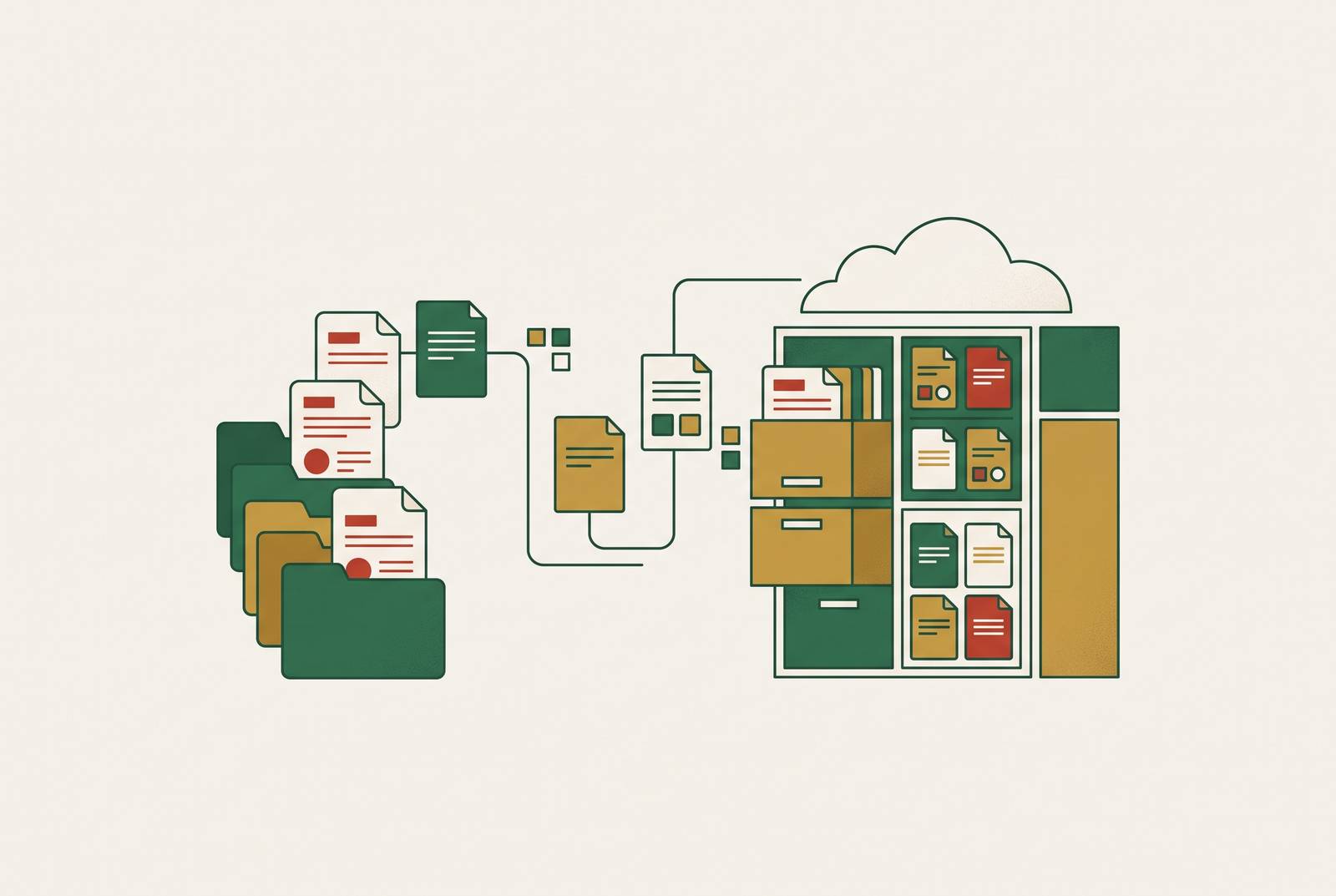
A document management system changes what happens to a client file the moment it arrives at a firm: instead of sitting in an inbox waiting to be found again, it gets filed, versioned, and tracked automatically. That shift, from passive storage to active workflow infrastructure, is what this piece is about.
How a growing client base breaks email and shared drives
A client swears they sent the file. That moment, repeated across a growing client list, is what happens when a firm's document infrastructure stops matching the volume of documents moving through it.
Kathy Nash, Founder of Nash Financial Solutions, LLC, described the exact mechanism: "I was one of those people who could have a stack of document folders and know what was in each stack. But we grew to the point where I couldn't remember which stack had which document". Her point is not about memory, it's about scale. A system that works at a small client list breaks at a much larger one, and it breaks in a specific way: preparers re-request files clients already sent, reviewers can't confirm they're looking at the most recent version, and partners sign off on returns built on outdated information. None of that is a people failure. It's what happens structurally when the volume of documents outpaces a storage method that depends on someone remembering where things are.
The risk compounds past inconvenience once security enters the picture. Email, by its nature, moves unencrypted attachments across networks a firm doesn't control, and shared drives extend access further than most firms track, which makes both of them common points of exposure in accounting data breaches. Vendor dependency raises the stakes further. In the Accounting & Tax Associates breach, an unauthorized party accessed the firm's account on the Intuit Lacerte Tax software platform around May 14, 2025, with the firm's review of the incident concluding July 2, 2025. The firm hadn't necessarily mishandled its own documents. Its security depended on a vendor's systems, and that dependency became the point of failure. A firm's document security is only as strong as every platform it touches, so document handling is a structural question, not a habits question.
What a document management system adds beyond cloud storage
Cloud storage and a document management system differ in governance. A DMS enforces consistent folder structure, controls who can see and change what through permissions, tracks every edit through an audit trail, and applies retention rules on a schedule. Cloud drives offer none of that by default, they rely on people to do it by hand, and people skip steps under deadline pressure, which is precisely when the rules matter most. Cloud storage earns its place for everyday collaboration and file syncing, but a DMS layers governance, auditability, and controlled sharing on top of that, enforced by the system itself rather than by whoever happens to remember the firm's naming convention that week.
A DMS enforces that governance through features generic storage simply does not have. Version control keeps every draft of a document on record automatically, so a prior version can be restored and the firm can see what changed and who changed it. An audit trail logs every upload, edit, approval, download, and share with a timestamp attached, producing a record a firm can actually defend under review. Role-based access keeps permissions narrow, so staff see only the files relevant to their work, and that matters when sensitive tax records sit next to routine correspondence in the same system. Retention policies apply automatically by document type, so you cut the manual follow-up that otherwise falls apart under audit scrutiny. And document upload tracking gives a firm real-time visibility into which client files have come in and which are still missing, closing the loop on the "did you send that?" question that eats up hours every tax season.
These aren't optional conveniences anymore. The FTC Safeguards Rule and IRS Publication 4557 require firms to maintain a written security program, enforce access controls, and report breaches within set timeframes, and generic cloud storage cannot satisfy any of that on its own. The rules apply broadly, too: even small firms handling information for a meaningful number of consumers must put multi-factor authentication, encryption, and staff training in place. Cloud storage is a shelf. A document management system is the set of rules that governs what sits on the shelf, who can take it down, and how long it stays there before it has to be disposed of properly.
How accounting-specific DMS features connect documents to workflows
Governance alone doesn't make a DMS specific to accounting. What sets accounting-purpose-built systems apart from a generally well-run DMS is how tightly they connect to tax software pipelines and client intake, routing documents into the workflows that depend on them rather than just holding files in place.
Start with intake. A client portal built for accounting work isn't a file drop box, it's a structured channel where clients upload directly into the correct folders, respond to specific document requests, sign documents electronically, and get automated reminders for whatever's still missing. When firms run automated portals alongside AI-powered document extraction, they report faster turnaround on collecting client documents and far fewer follow-up calls and emails, and CPA firm partners consistently name document collection automation as the highest-value use of AI in their practice. That value depends entirely on clients actually using the portal. If clients avoid a portal, it breaks the whole intake process before it starts, so you need to test real adoption early rather than count features on a spec sheet.
Tax software integration shapes the purchase decision just as directly. GoFileRoom's scanning and routing tools turn paper documents into searchable PDFs and file them automatically by client, year, and document type, built for firms running the Thomson Reuters CS Professional Suite, with especially deep integration for UltraTax CS and GoSystem Tax and support extending to other tax applications as well. On the AI side, Revver, formerly known as eFileCabinet, includes a feature called Smart Extract AI that reads incoming documents, pulls out metadata, and can trigger workflows that file the document into the right place without anyone sorting it by hand. Xenett takes a different angle: it ties supporting evidence directly to account-level review findings, so documents get organized around what still needs resolving rather than around wherever the file happened to land.
The payoff isn't theoretical. At Global Mobility Tax, tax senior manager Kimberly Engstrom described the effect of adopting CCH Axcess Document in plain terms: with standard naming conventions and subject codes in place, "life is greatly improved," and the biggest gain was the elimination of maintaining a local server, paired with the discipline that standard naming and subject codes impose, the kind of unglamorous infrastructure improvement that actually moves engagements forward.
AI is extending further into the workflow itself. Thomson Reuters has positioned agentic AI to automate document-heavy work: preparing returns for professional review, automating document analysis in audit engagements, pulling key figures for vouching and substantive testing, and generating workpapers that cite their sources. The common thread across all of this, from portals to tax-suite integration to agentic AI, is that documents stop being static files and start functioning as inputs that move an engagement forward on their own.
Tool sprawl, not feature gaps, as the real obstacle most firms face
Most firms fail at document management because they're running so many disconnected tools that even a well-chosen DMS ends up isolated, disconnected from the rest of the workflows it's supposed to support. The cost of that disconnection is concrete: accountants lose roughly five hours a week moving, re-entering, or reconciling information across separate tools, more than half a workday spent on overhead before any client work even begins. That's a standing tax on every week of the year, not a rounding error in a busy season.
Firms are now ranking this disruption at the top of their priorities. The 2026 CPA Firm Top Issues Survey from AICPA and CIMA, conducted in April and May 2026, ranks change management around technology and AI as the leading long-term issue firms expect to face over the next five years. That ranking reflects something firms are living through already: adopting new tools matters less than getting existing ones to talk to each other.
Clark Schaefer Hackett's approach illustrates the realistic version of this problem. Instead of replacing an existing system outright, the firm layered ShareFile on top of GoFileRoom as a client collaboration tool, so the deeper document infrastructure stayed intact while it added a front-end layer built for client-facing exchange. That's consolidation in practice: not ripping out what works, but reducing the number of disconnected tools staff have to juggle to get a document from a client into a return.
Consolidation carries a real cost of its own, and you should name it honestly. The platforms with the deepest integrations, CCH Axcess Document and GoFileRoom among them, also carry the highest switching costs and the deepest operational dependency, which makes migrating away from them genuinely difficult. The same integration depth that makes a platform valuable is what makes leaving it expensive. Firms evaluating a DMS purchase are choosing how locked in they're willing to be in exchange for how deeply that tool will connect to everything else they run.
Three tiers of the DMS market
The DMS market for accounting firms sorts into three tiers, separated by how deeply each integrates with tax software and how complex the firms using them tend to be. The most common buying mistake isn't choosing a bad product within a tier, it's choosing the wrong tier for the firm's actual size and workflow.
Tier one covers the enterprise, big-suite systems: CCH Axcess Document, GoFileRoom, NetDocuments, and iManage, all priced on a quote basis rather than a published rate. These fit firms already running CCH or Thomson Reuters tax suites, where the DMS functions less as a standalone purchase and more as an extension of a system the firm has already built its practice around. That depth of integration comes at a cost: CCH Axcess Document is a weaker fit as a standalone DMS for firms outside the CCH ecosystem, and GoFileRoom carries the same kind of ecosystem dependency. Firms in this tier are buying into a platform, not just a product, and need to be running the matching tax suite to get full value from it.
Tier two is the mid-market, accounting-native segment, running roughly $40–$75 per user per month: SmartVault, SuiteFiles, Folderit, and ShareFile. SmartVault fits US-based CPA and tax preparation firms already working in Lacerte, ProConnect, ProSeries, Drake, UltraTax CS, or CCH Axcess Tax. Its SmartRouting feature files tax documents into the correct client folder automatically when printed from tax software, the platform is SOC 2 Type 2 compliant, every plan includes unlimited cloud storage, and most plans bundle e-signatures (left out of Business Basic and Standard, unlimited only on Accounting Unlimited); SmartVault also integrates directly with Financial Cents, letting a firm manage workflow in one system while accessing files in the other. SuiteFiles is built natively on Microsoft 365, and it connects directly to Xero Practice Manager for task and client management, so if your firm already works inside the Microsoft ecosystem, it fits. ShareFile suits firms that prioritize secure file transfer above all else, and Clark Schaefer Hackett uses it exactly that way, as a client collaboration layer sitting on top of GoFileRoom.
Tier three brings together all-in-one practice platforms that have document management built in alongside general cloud storage. Revver, formerly eFileCabinet, is built for firms with heavy compliance demands or multi-entity structures, and its Smart Extract AI feature handles document intake and filing automatically. DocuWare serves a similar enterprise-grade role, suited to firms operating in SOC-audited client environments.
None of these tiers is better in the abstract. A firm running UltraTax CS gets more out of a tier-one platform's depth than it would from a lighter tier-two tool, while a small firm without an existing tax-suite dependency may find that same depth is more infrastructure than it needs, and more lock-in than it can justify. Matching the tier to the firm's actual size, tax software, and client workflow either solves the scattered-document problem or adds one more disconnected tool to the stack.